
Go to your Annify dashboard
Open your announcement bar
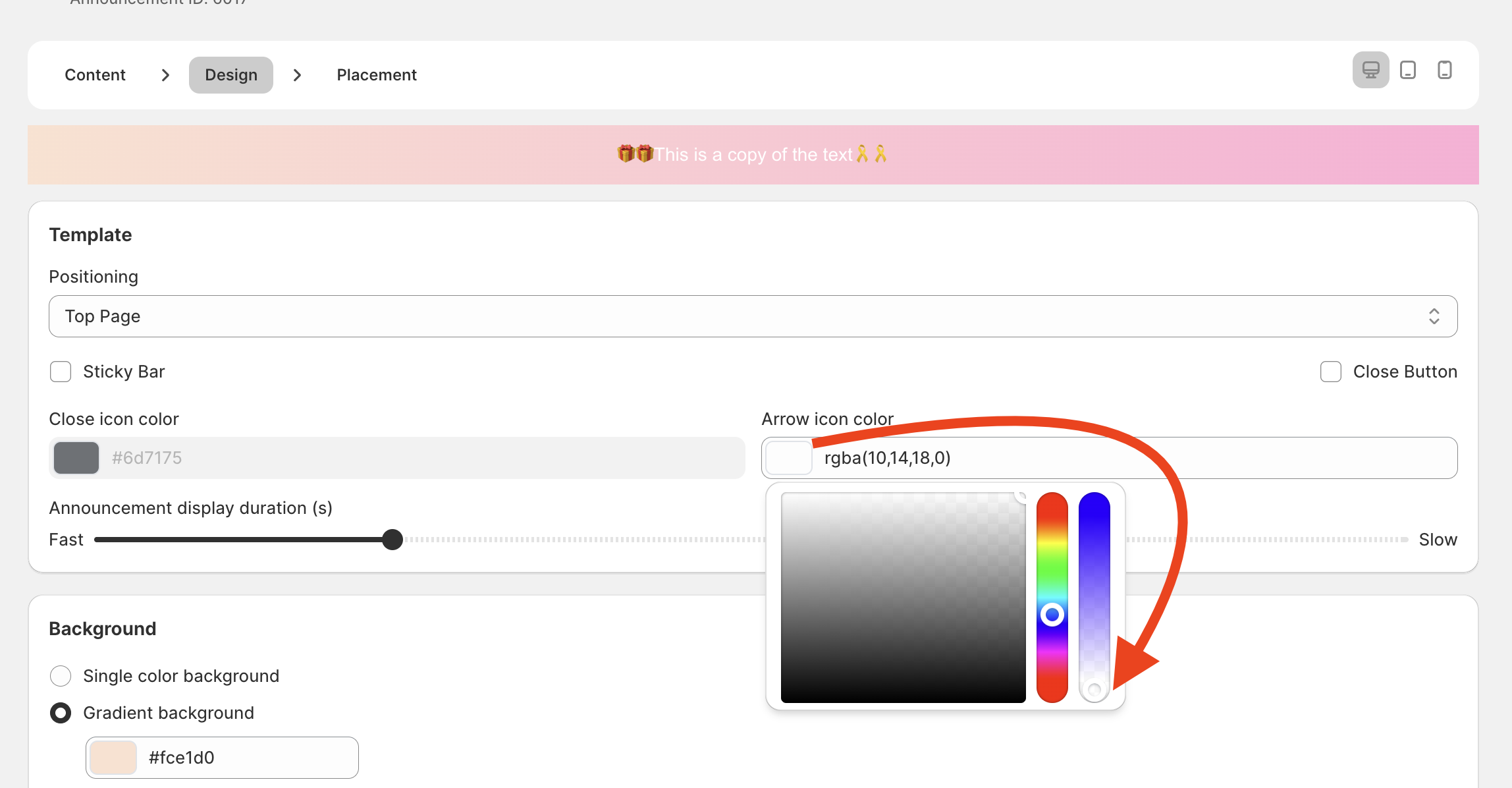
Click the color selector for the Arrow icon in the Design steps.
Drag the color selector to the bottom.
Click the Save button.
Need Assistance?
We’re here to assist! Feel free to reach out via live chat or email us at [email protected] for help.